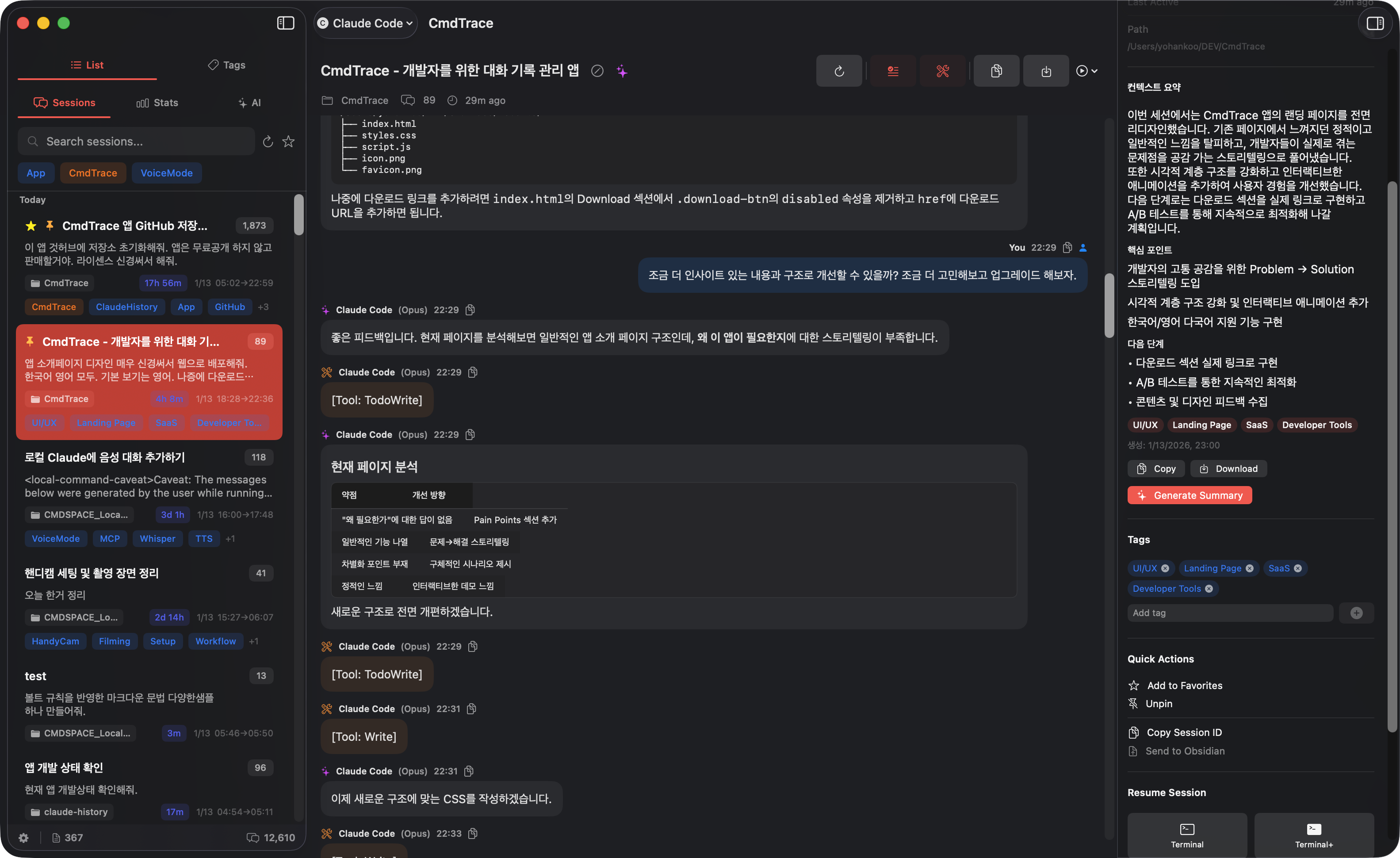
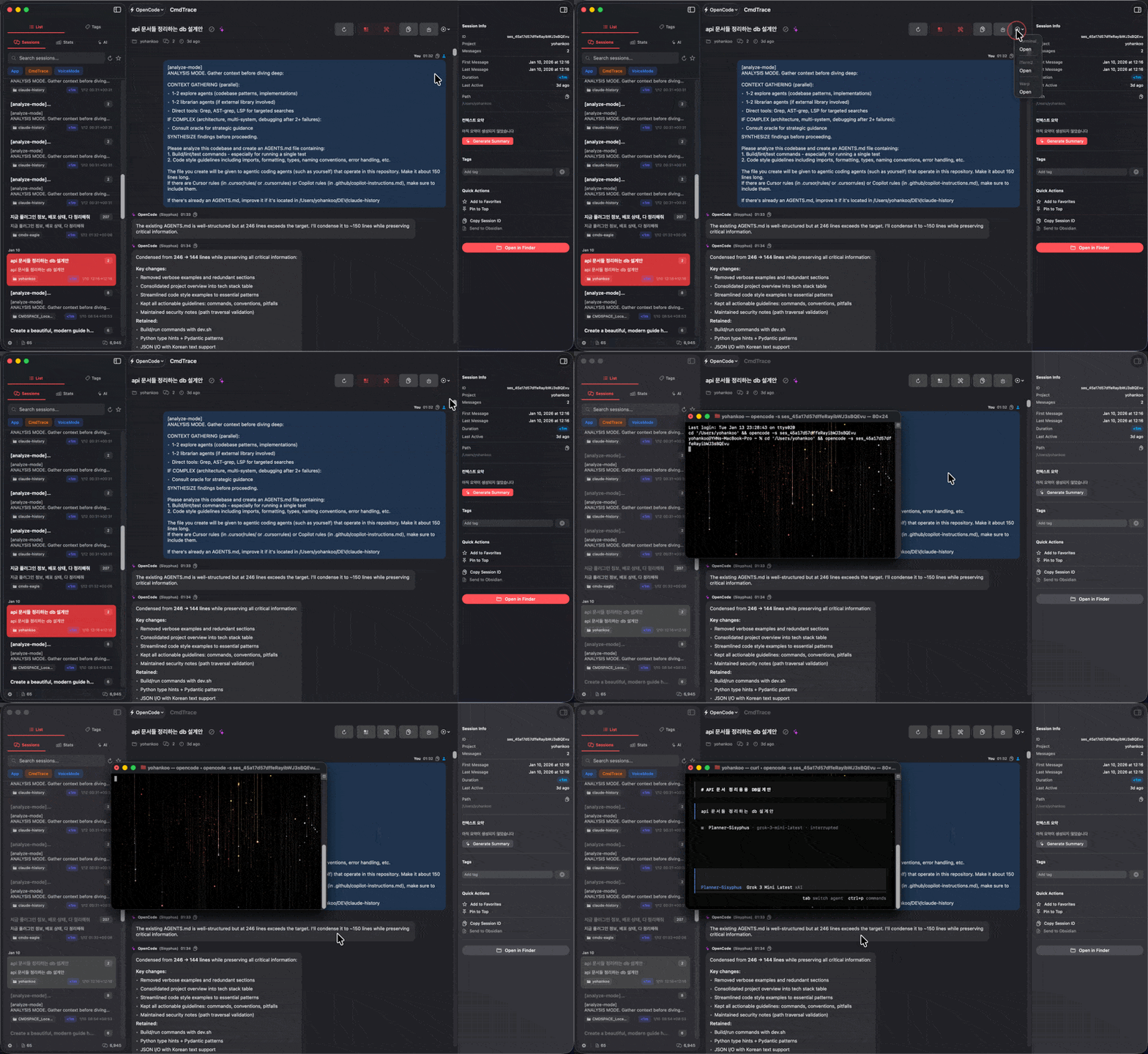
You've had 47 sessions this week. The solution you need is buried somewhere in conversation #23... or was it #31? Stop digging through JSONL files. Start finding what you need.
You remember the conversation but can't find it. Was it yesterday? Last week? Which project folder?
~/.claude/projects/*/sessions/*.jsonl
127 files, 2.3GB of conversations
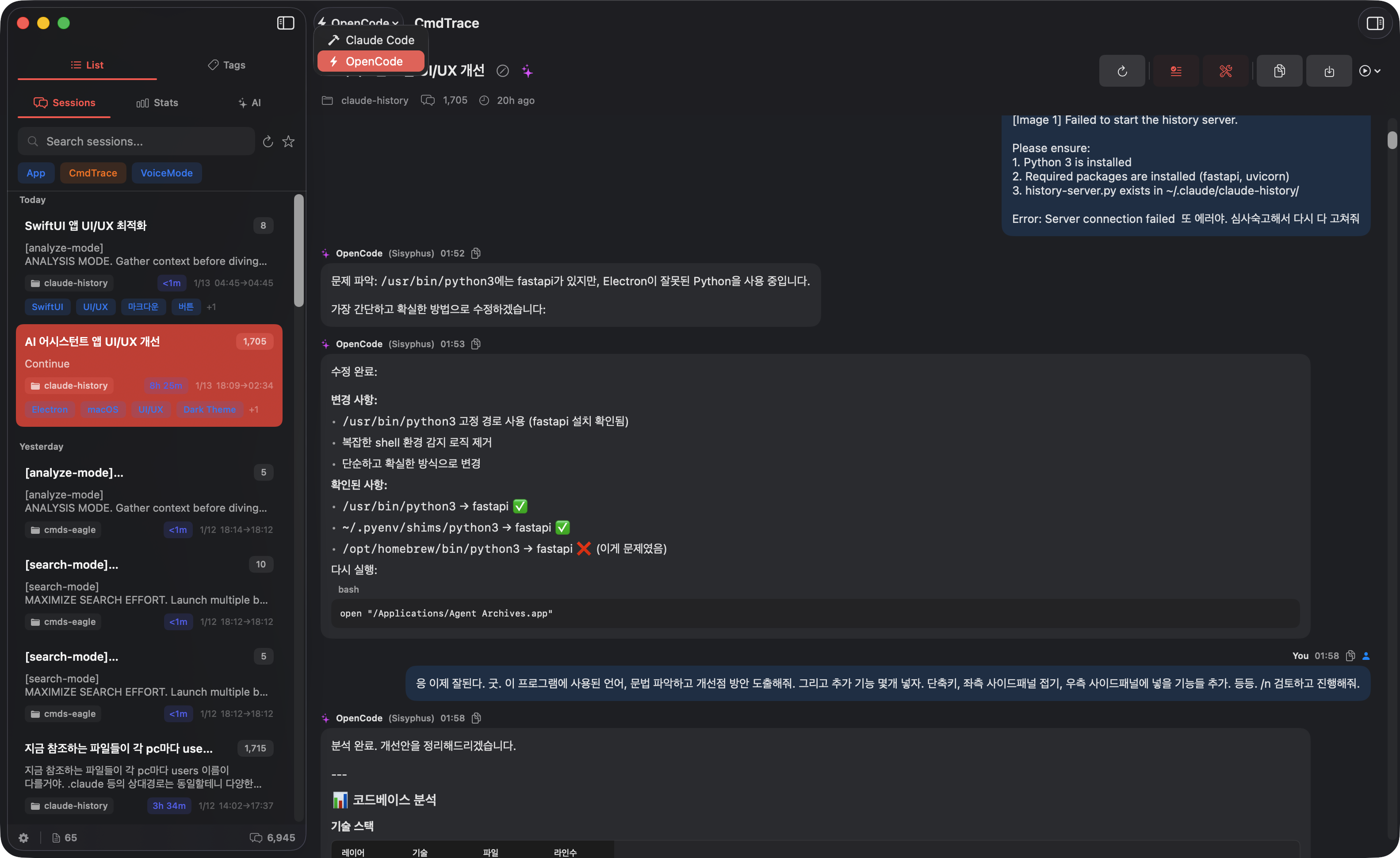
Claude Code in one folder, OpenCode in another, Antigravity somewhere else. No unified view, no organization.
Session names like "01JHHK9X2M..." tell you nothing. You open each one hoping it's the right one.
Every day, developers lose 15-30 minutes searching for past AI conversations. That's 2+ hours per week of productivity lost.
A native macOS app that understands how you work with AI coding assistants.
Search by content, title, tag, or project. No more opening files one by one.
Custom names, tags, favorites, and pins. Make sense of your sessions.
Jump back into any session with one click. Terminal, iTerm2, or Warp.
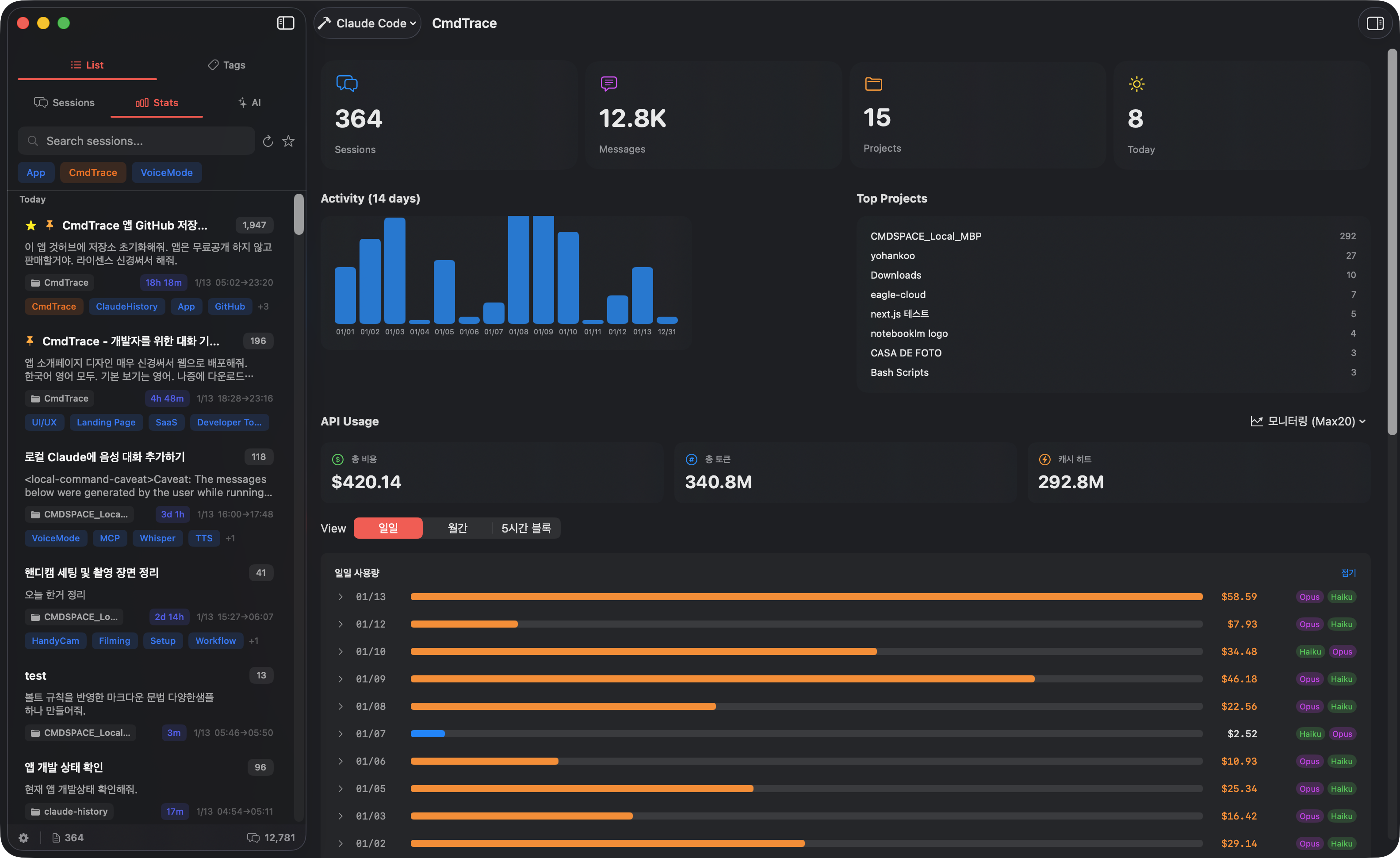
Track your AI usage, costs, and burn rate. Stay within plan limits.
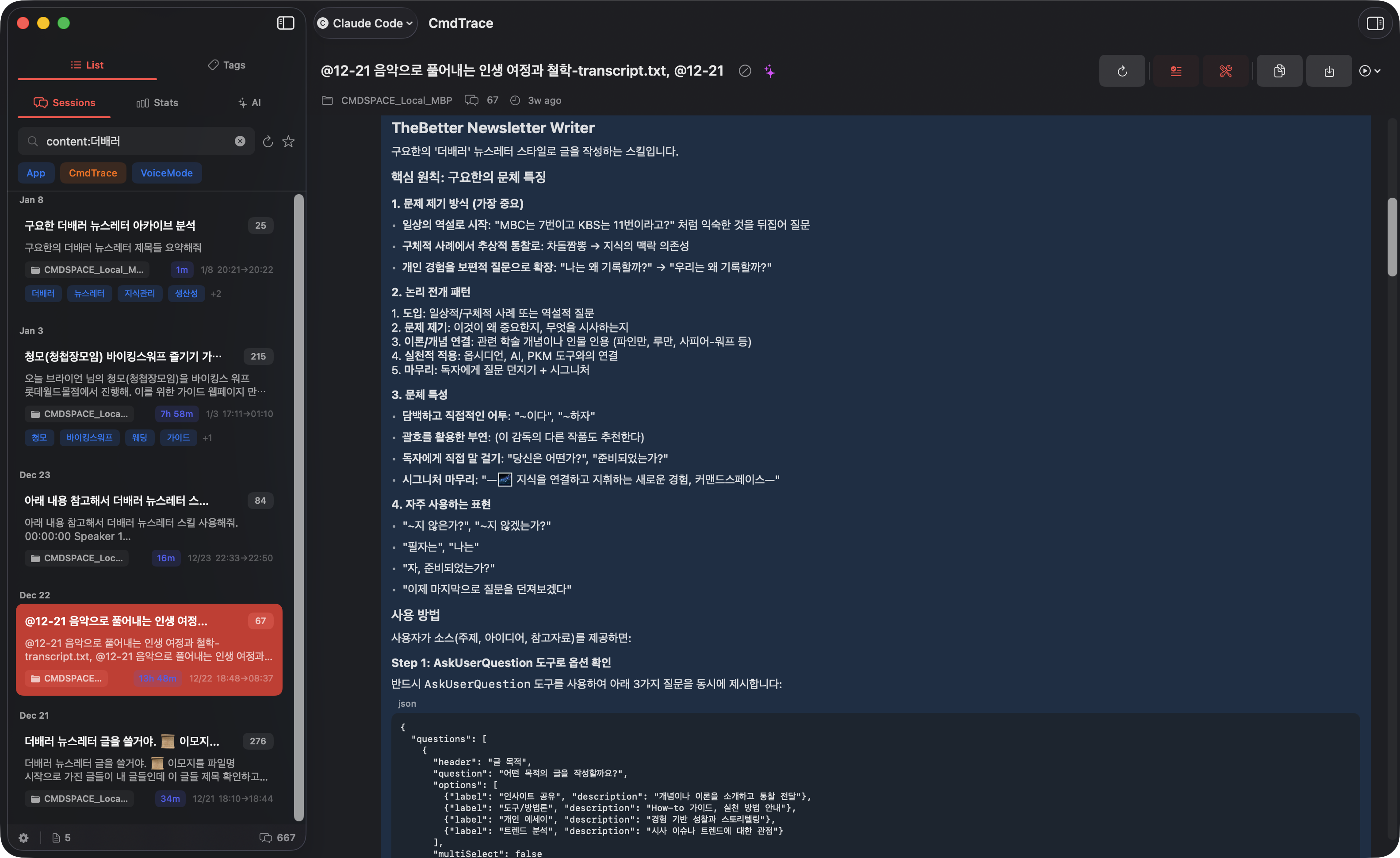
Powerful search operators let you pinpoint exactly what you need. Combine them for laser-precise results.
content:authentication
Search inside conversations
tag:backend project:api
Filter by tag and project
title:refactor date:today
Find today's refactoring sessions
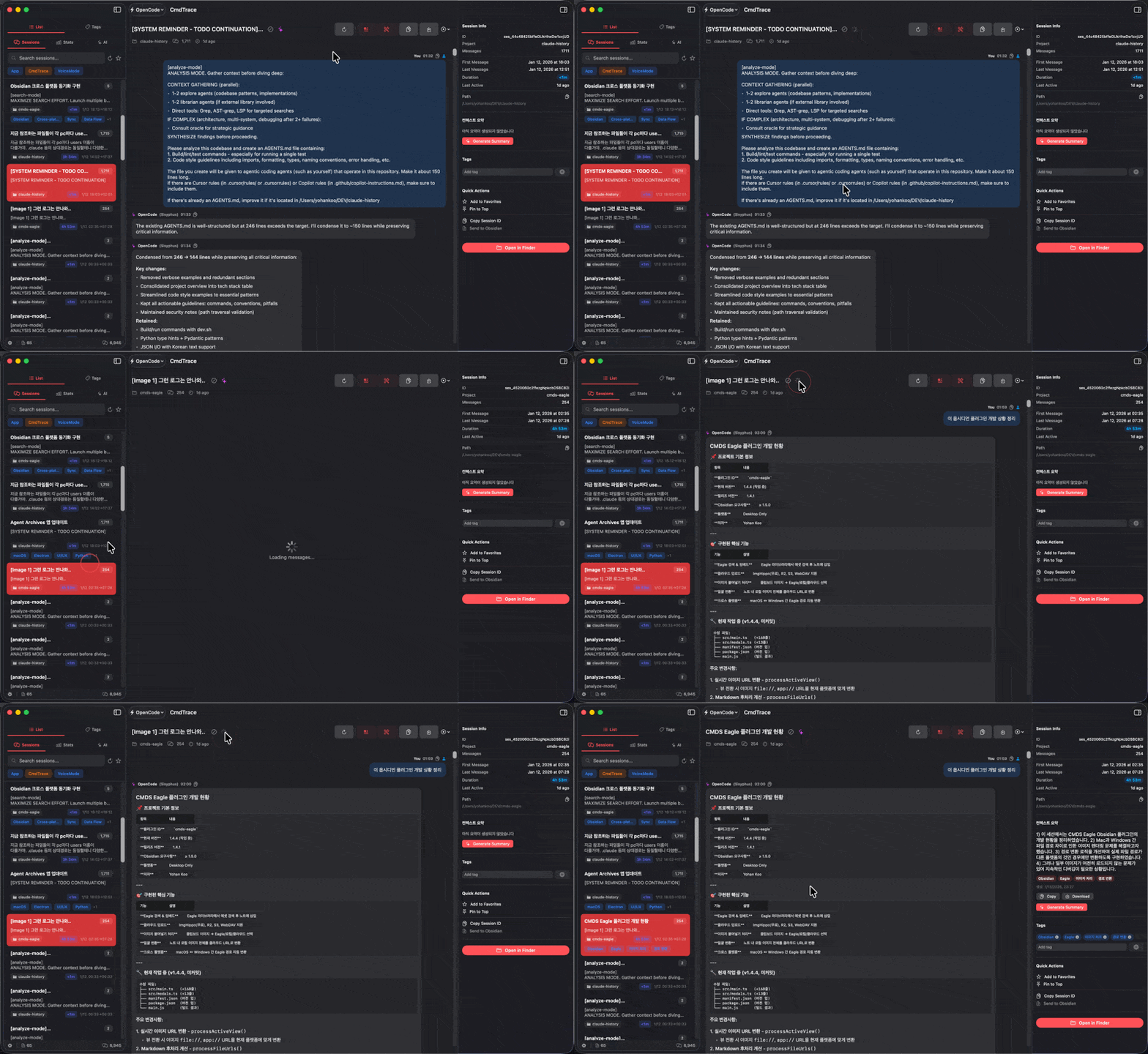
Switch between Claude Code, OpenCode, and Antigravity instantly. Sessions are pre-cached for zero wait time.
Real-time monitoring with burn rate predictions. Never hit your plan limit unexpectedly again.
Let AI analyze your sessions and generate meaningful titles and summaries. Never struggle with cryptic session names again.
Install CmdTrace. It automatically finds your AI session folders.
Add names, tags, and favorites. AI can auto-generate titles.
Search, browse, and jump back into any session instantly.
CmdTrace is free and open source. Your data stays on your machine.
6.6 MB each β’ DMG installer
git clone https://github.com/johnfkoo951/CmdTrace
cd CmdTrace && ./build-app.sh